Push Notifications Without Getting Uninstalled
Both stores give you exactly one permission prompt, and both now default to off. The decision that matters is what you spend that single request on.
Caliency
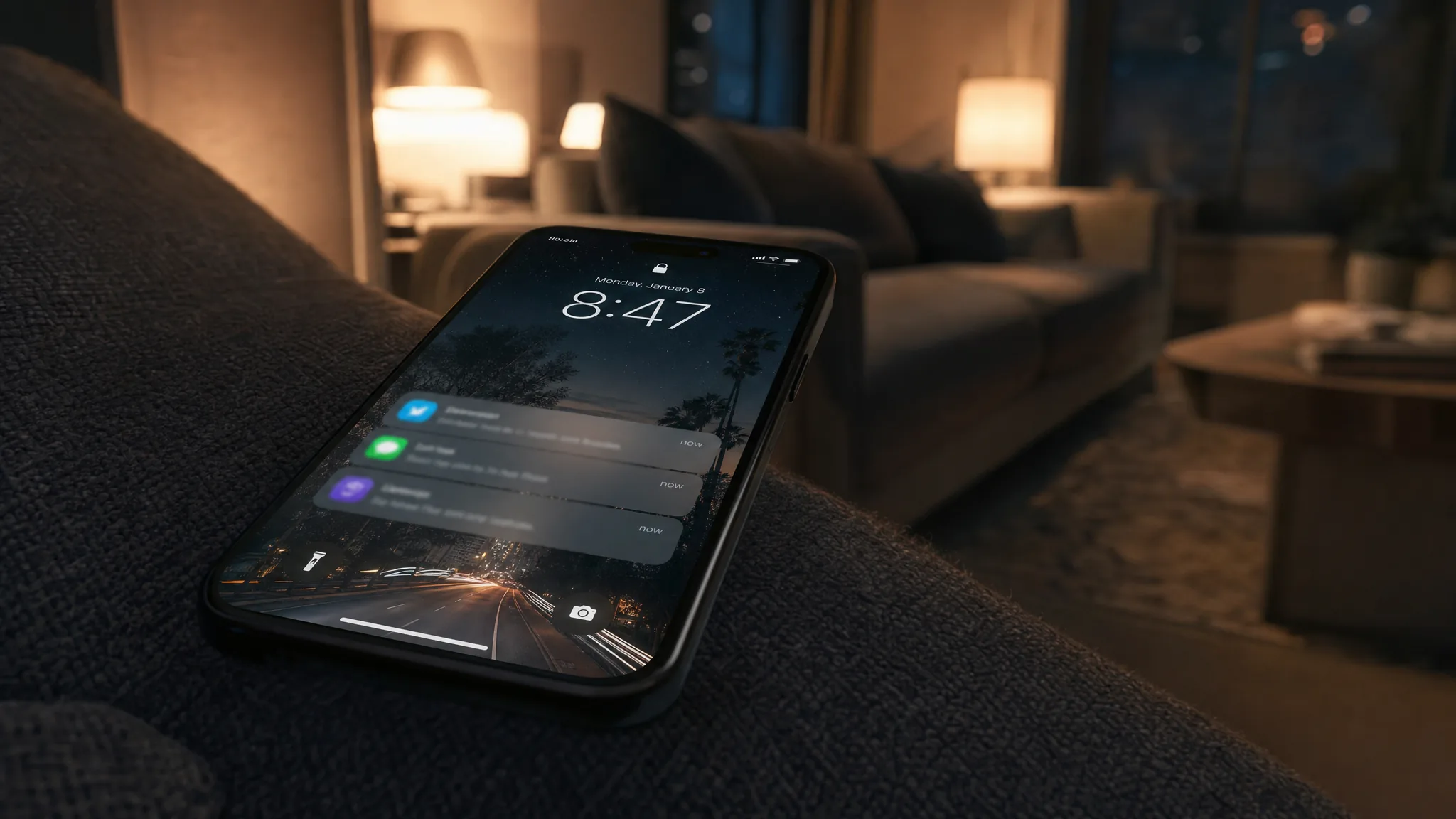
You get one prompt. On both platforms, the permission request happens once, the answer is recorded, and asking again does nothing. Both platforms now default new installs to off. So the question worth spending time on is not what the notification says — it is what you spend that single request on, and whether you can avoid spending it at all.
Most advice on this topic is about copy. The decisions that actually determine whether an app keeps its notification permission are made before a single message is written.
One prompt, on both platforms
Apple's documentation on asking permission is unambiguous:
"The first time your app makes this authorization request, the system prompts the person to grant or deny the request and records that response. Subsequent authorization requests don't prompt the person."
Android's equivalent is harsher for apps that have not kept up. Google's notification permission documentation carries this caution for apps targeting API level 32 or lower:
"If your app targets 12L or lower and the user taps Don't allow, even just once, they aren't prompted again until they uninstall and reinstall your app, or you update your app to target Android 13 or higher."
Two consequences follow. First, a rejection is effectively permanent for that install. Second, if your app is on an old target level, shipping an update that targets a current one is itself a recovery mechanism — which is one more reason the platform SDK deadlines are not just compliance overhead.
The default changed, and your old numbers lied
Android 13 introduced the runtime POST_NOTIFICATIONS permission. Google states the consequence plainly:
"If a user installs your app on a device that runs Android 13 or higher, your app's notifications are off by default."
But devices that upgraded to Android 13 had the permission pre-granted for eligible apps. So an app with a long-lived install base can show a healthy notification opt-in rate that says nothing about what new users do. If your retention model assumes push reaches most users, check the rate for installs from the last quarter specifically before you build anything on top of it.
The iOS option almost nobody uses
Apple documents a second path, and it almost never appears in the app specifications that reach us. Provisional authorization sends notifications on a trial basis, with no prompt at all:
"The system delivers provisional notifications quietly — they don't interrupt the person with a sound or banner, or appear on the lock screen. Instead, they only appear in the notification center's history. These notifications also include buttons that prompt the person to keep or turn off the notification."
If the person presses Keep, the system offers Deliver Immediately or Deliver in Scheduled Summary.
Read what that changes. Apple's own framing of the problem with the normal prompt is that "people must decide whether to allow or deny permission before they've seen a notification from your app." Provisional authorization inverts it: the notifications audition for the permission. You are no longer asking someone to trust a promise; you are asking them to judge something they have already received.
The trade is real — quiet delivery means no sound, no banner, no lock screen, so a genuinely time-critical alert is the wrong thing to trial this way. But for an app whose notifications are useful rather than urgent, it removes the single worst moment in the funnel.
What to spend the prompt on
If you do use the standard prompt, Apple's guidance is about timing rather than wording:
"Make the request in a context that helps people understand why your app needs authorization. In a task-tracking app that sends reminder notifications, you might make the request after the person schedules a first task."
The principle generalises: ask after the user has created the thing the notification will be about. After the first order, not at signup. After the first saved search, not on launch. After the first booking, not during onboarding.
Asking on first launch is the most common pattern and the worst one, because the user has no basis to answer and the safe answer is no — permanently.
The part that actually causes uninstalls
Permission covers the channel, not the content, and that gap is where apps get deleted.
Someone who allowed notifications so they would know when their delivery arrives did not agree to a weekend promotion. Technically you have consent. Practically you have spent something you cannot get back, because the second unwanted message is the one that sends a person to settings — or to the uninstall button, which also solves the problem from their point of view.
The discipline that prevents it is boring and organisational rather than technical:
- Separate channels for separate reasons. Android has had notification channels since Android 8 precisely so a person can turn off marketing without turning off logistics. Use them, and let the user keep the useful half.
- Write the first ten messages before building the feature. If you cannot, the app does not need push yet.
- Name an owner. Not a team — a person who decides what goes out and can say no.
- Set a frequency ceiling and honour it even in the week someone wants a campaign.
We make the same point in our guide to whether you need an app at all: an app justified entirely by notifications nobody has planned to write is an app that will be uninstalled for exactly that reason.
Where we say no
We will not build a push system for a client who has not decided who owns the content. The engineering is a week; the editorial commitment is permanent, and without an owner the channel becomes whatever the loudest internal request wants it to be.
We will not put the permission prompt on first launch, even when asked. It measurably spends the one request you have at the moment the user has the least reason to say yes, and on Android an old target level turns that no into a permanent one.
And we will not use notifications to recover an engagement problem. If people are not coming back, push does not fix it — it accelerates the uninstall. That case is usually a product question, and our mobile app development guide covers how we scope it.
The checklist
- Check your opt-in rate for recent installs only. Pre-granted upgrades hide the real number.
- Move the prompt to after the first meaningful action. Never first launch.
- Consider provisional authorization on iOS for anything useful-but-not-urgent, and let the notifications earn the permission.
- Use separate channels so a person can decline marketing and keep logistics.
- Write the first ten messages and name the person who owns message eleven.
If you want the permission flow and the channel design specified before the build rather than after the first complaint, tell us what the app needs to tell people — or start from the mobile app development page.
Got a project in mind?
We'll scope it and give you a fixed price on one call.
Keep reading
Native vs Cross-Platform: How to Actually Decide
The performance argument is a decade out of date. The question that still decides it is who is responsible on the days Apple and Google move the floor.
→Mobile AppsThe Only Mobile Metrics Worth Reporting
Two metrics have a published threshold and a stated consequence: exceed them and Play may reduce your visibility. Almost nothing else in a monthly deck does.
→